 Noel D'Costa
Contents
ERP vs MES comes down to time and ownership. The ERP plans, buys, costs and accounts for production over days and weeks. The manufacturing execution system (MES) runs production on the shop floor over seconds and shifts, then reports what happened.
SAP Digital Manufacturing is SAP's MES. It takes production orders and master data from SAP S/4HANA or SAP ECC and sends confirmations, consumption and goods receipts back.
If you are still choosing the ERP itself, start with my comparison of the best ERP for manufacturing. This article goes one layer down: what each system owns, where the shop-floor products fit and how the two are joined.
I have worked with SAP Digital Manufacturing, Siemens Opcenter and Kinexon. SAP's MES and Siemens Opcenter both sit on top of the ERP, and the line between them is where most of the design work goes.
The hub article has the short comparison. Here the question is narrower: for each record, which system is the master, and which one only receives a copy?
Siemens, which makes Opcenter, frames it in ISA-95 terms. ERP is a Level 4 system for business logistics and MES a Level 3 operations system. The ERP sends demand, bills of materials and master data down; the MES sends consumption, scrap and completions up.
This is how ownership usually splits. Your split may differ, but every row needs an answer before configuration starts:
| Record | Usually owned by | The other system's role |
|---|---|---|
| Material master, BOM, routing or recipe | ERP | MES receives a copy with the order |
| Production or process order | ERP creates and releases | MES executes and tracks each step |
| Operation sequence and work instructions on the line | MES | ERP holds the routing it was built from |
| Machine data, downtime and OEE | MES | ERP rarely needs the detail, only the outcome |
| Yield and scrap confirmations | MES records them | ERP posts them to cost and stock |
| Component consumption and goods receipt | MES triggers them | ERP posts inventory and values it |
| Batch or serial genealogy at the line | MES | ERP holds batch master and stock |
| In-process inspection results | MES records them | ERP quality management keeps the lot and usage decision |
| Product cost, WIP and variances | ERP | MES has no view of cost |
The bottom row is the one people forget. The MES never sees money, yet every row above it feeds the cost of the order.
SAP Digital Manufacturing is a cloud product with four parts in SAP's current feature scope description (release 2608):
- Execution: order release, step-by-step work in progress, operator dashboards, work instructions, quality inspections, genealogy, OEE and downtime, and machine integration through its Production Connector
- Issue resolution: structured problem solving with suppliers, customers or internal teams
- Insights: live monitoring and analytics on the production data that execution collects
- Edge computing: a defined set of functions run on site, close to the machines, so the plant can keep working with patchy connectivity to the cloud
SAP Learning sets out what flows between S/4HANA and SAP Digital Manufacturing. Down go materials, work centres, orders with their BOMs, routings or recipes, inventory data and inspection information. Back come operation confirmations with yield, scrap and time, component consumption, goods receipts, order status, inspection results and batch characteristic values.
The technical route is in SAP's Digital Manufacturing integration guide. SAP Cloud Integration and Cloud Connector are the required middleware. Master data and orders travel as IDocs, and confirmations return as BAPI calls over RFC, with OData as an option for some direct calls to S/4HANA.
One detail matters for multi-plant groups. The guide says one global SAP Digital Manufacturing system can serve all plants, connected to several ERP systems, for example one per plant or country.
If you still run SAP Manufacturing Execution (SAP ME) or SAP MII, treat the move as a new implementation rather than an upgrade. The integration guide limits the SAP ME integration to Resource Orchestration. Check the maintenance dates for your release in SAP's Product Availability Matrix before you build a plan around them.
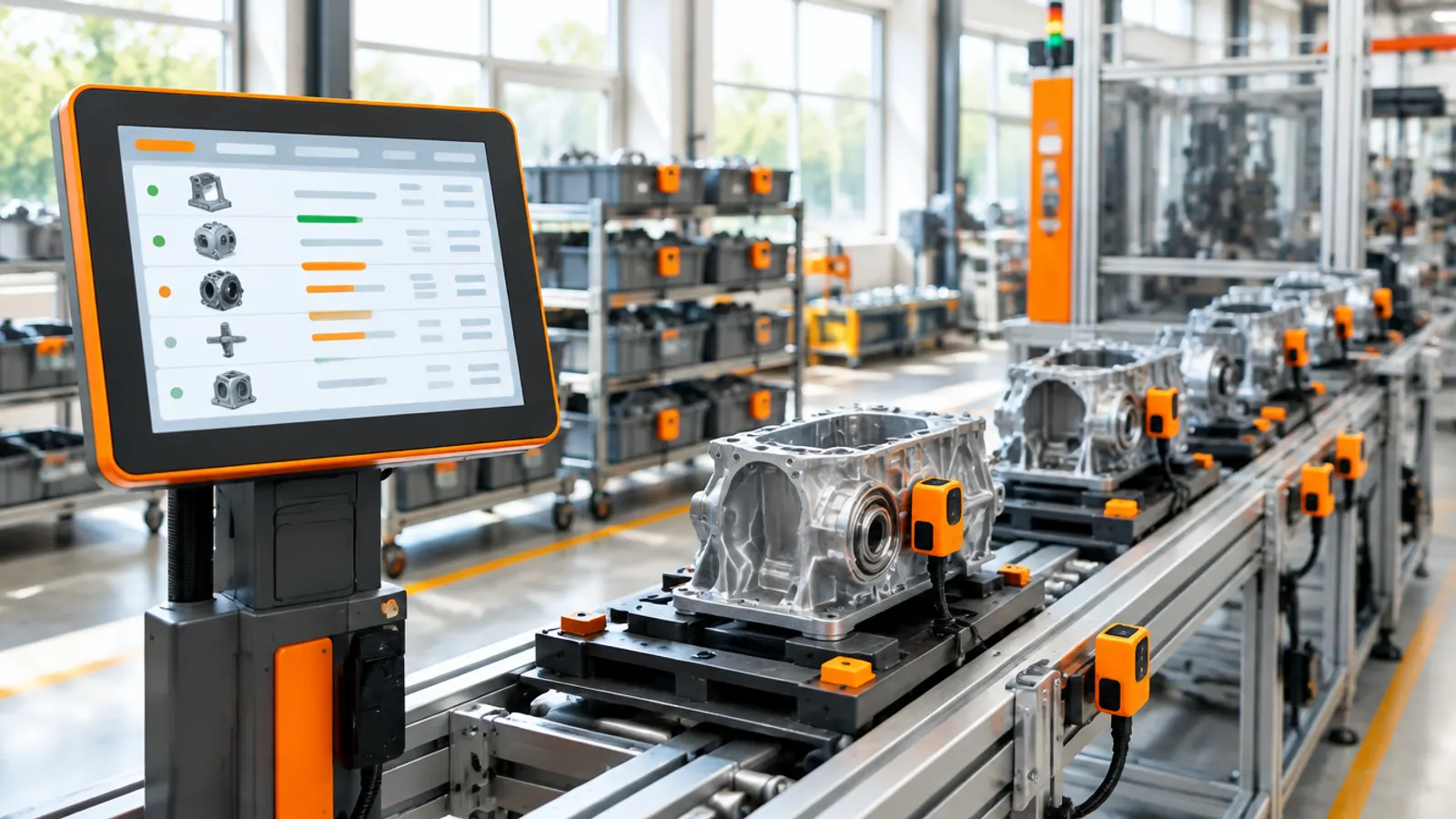
SAP Digital Manufacturing is not the only MES that sits on top of S/4HANA. Siemens describes Opcenter as a manufacturing operations management portfolio, with Opcenter Execution as the MES and separate products for planning and scheduling (Opcenter APS), quality and laboratory work.
Architecturally it is the same pattern. The ERP plans and costs; Opcenter executes and reports back. The integration is built between two vendors, so the ownership table above matters even more.
Kinexon is a different kind of product. It does not run production steps.
Kinexon describes its offer as real-time location software paired with UWB tags or other location technology. KINEXON OS is the platform that links tags to production orders and turns movements through defined zones into bookings and alerts.
Kinexon says KINEXON OS works with SAP Digital Manufacturing and SAP Extended Warehouse Management. So think of it as a location layer next to the MES. It answers where an order, a part or a vehicle is, and it can trigger the transaction the MES or ERP would otherwise wait for someone to key in.
This is how the three compare:
| Product | What it does | Where it sits |
|---|---|---|
| SAP Digital Manufacturing | MES: execution, quality at the line, genealogy, OEE, analytics | On top of S/4HANA or ECC, connected through SAP Cloud Integration |
| Siemens Opcenter | MES and operations portfolio: execution, scheduling, quality, laboratory | On top of the ERP, any vendor |
| Kinexon (KINEXON OS) | Real-time location of orders, parts and vehicles; event-based bookings | Beside the MES and warehouse system, feeding them events |
Whichever MES you choose, the loop is the same. The ERP decides what to make; the MES makes it and tells the ERP what it used and what came out.
- Plan in ERPMRP creates planned orders from demand
- Release orderOrder, BOM and routing go down to the MES
- Execute in MESOperators run steps, record quality and genealogy
- Confirm backYield, scrap, consumption and goods receipt go up
- Cost in ERPStock, WIP and variances post in finance
The ERP shows what happened on the floor, at cost
Five integration patterns cover most of what you will design:
- Master data replication. Materials, work centres and classifications go from ERP to MES before any order does. If the MES rejects an order, check master data first.
- Order download. Released orders travel with their BOM and routing or recipe. Decide whether changes after release are allowed, and which system wins when they happen.
- Confirmation upload. Yield, scrap and time go back per operation or per order. The frequency is a design choice with cost consequences, not a technical detail.
- Machine and sensor data. Machine signals go to the MES or an edge layer, not straight to the ERP. Only the business outcome, such as a count or a downtime reason, should travel further.
- Event triggers from tracking. Location or sensor events from a product such as Kinexon can post a booking automatically. Define who corrects it when the event is wrong.
Plan for the network going down. If the line stops when the connection to the cloud drops, design local execution into the MES, for example with SAP Digital Manufacturing for edge computing. Agree how the backlog posts when the connection returns.
How you plan before execution is a separate decision. My SAP PP guide covers the ERP side, and the cluster article on MRP Live vs PP/DS vs IBP covers when to step up the planning tool.
Every confirmation the MES sends back becomes a cost in the ERP. If finance has not agreed the design, the integration only moves the argument to month-end.
The most common reason manufacturing ERP projects fail, in my experience, is that the design is not agreed in its totality, especially in finance. An MES makes that worse, because it multiplies the postings finance has to live with.
These are the mistakes to plan against:
- Scoping the ERP and the MES as separate projects. Two teams, two designs and an interface nobody owns. Run one design authority over both.
- Leaving ownership open. If both systems can change an order, or both record scrap, you get two answers. Fill in the ownership table before configuration.
- Designing confirmations without finance. Confirmation frequency, backflushing, scrap reasons and activity types decide how WIP and variances look at month-end. Agree them with the controller, not only the plant manager.
- Sending machine data to the ERP. The ERP is not a historian. Keep raw signals in the MES or an analytics platform, and send the ERP only what it posts.
- Testing each system alone. Test the full loop from MRP to cost, with real orders, real scrap and real reversals. Testing takes about 35 percent of programme effort, and the interface tests are the ones teams cut.
- Forgetting the cutover of open orders. Orders that are half-built at go-live need rules for which system finishes them. Write those rules before the migration, not during it.
- Training operators on the ERP. Operators work in the MES. Train them there, by shift, on their own lines.
Master data deserves its own warning. BOMs, routings and work centres feed both systems, and a wrong routing in the ERP becomes a wrong instruction at the line. My article on SAP in manufacturing covers the master data checklist.
Start with the ownership table, not the product demo. Put the plant manager, the controller and the IT lead in one room and assign every record in the table above to one system.
Then pick the MES that matches your ERP and plants, and scope the integration as part of the ERP programme, with its own test cycles. Budget it inside the programme too; the cluster article on manufacturing ERP cost shows where that money goes.
If you want an independent view on an ERP and MES design before you commit, I help manufacturers with this. You can contact me here.
What is the difference between ERP and MES?
An ERP plans, buys, costs and accounts for production over days and weeks. An MES executes production on the shop floor over seconds and shifts, recording operator steps, machine data, quality checks and genealogy.
The two work as a loop. The ERP sends orders down, and the MES sends confirmations, consumption and goods receipts back so the ERP can post stock and cost.
What is SAP Digital Manufacturing?
It is SAP's cloud MES. It covers production execution, issue resolution, insights and edge computing, according to SAP's feature scope description.
It receives master data and production or process orders from SAP S/4HANA or SAP ECC through SAP Cloud Integration and Cloud Connector. It sends confirmations, consumption, goods receipts and inspection results back.
Do I need an MES if I have SAP S/4HANA?
Not always. A single plant with straightforward production can often confirm orders directly in S/4HANA.
You need an MES when you need step-by-step control at the line, full batch or serial genealogy, real-time machine data, or one production standard across several plants.
Is Siemens Opcenter an alternative to SAP Digital Manufacturing?
It can be. Both are MES products that sit on top of the ERP. Siemens Opcenter is a manufacturing operations management portfolio with Opcenter Execution as its MES, plus scheduling, quality and laboratory products.
The choice depends on your plants, your automation and your ERP. Either way, agree which system owns each record before the integration is built.
What does Kinexon do in manufacturing?
Kinexon provides real-time location tracking. Its KINEXON OS platform links location tags to production orders and can trigger bookings and alerts when an order moves through a defined zone.
It is not an MES. Kinexon says it works with SAP Digital Manufacturing and SAP Extended Warehouse Management, feeding them location events.
Can SAP ME or SAP MII be upgraded to SAP Digital Manufacturing?
Plan it as a new implementation, not an upgrade. SAP's integration guide limits SAP Digital Manufacturing's integration with SAP ME to Resource Orchestration.
Check the maintenance dates for your SAP ME or MII release in SAP's Product Availability Matrix, and redesign the ERP and MES ownership as part of the move.

Written by
Noel D'Costa
SAP discrete vs process manufacturing: what changes
In SAP, discrete manufacturing runs on production orders, BOMs and routings, process manufacturing (PP-PI) on process orders and master recipes, and repetitive manufacturing on period-based planning. What each one changes in master data, batches, quality and costing, and how mixed-mode plants such as plastics and steel combine them.

ERP for defence manufacturing: what decides it
A defence manufacturer needs an ERP that costs and bills by contract, runs work as projects, traces every serialised part and screens every export. Contract costing and project systems mattered most in the defence work I have done, and an unagreed finance design is the usual reason these programmes fail.
Manufacturing ERP cost: what you pay and where it goes
What an ERP costs a manufacturer by company size, where the money goes in a plant (shop-floor integration, master data, testing and finance design) and the hidden costs that land after the contract is signed.
MRP Live vs PP/DS vs IBP: which SAP planning tool
MRP Live plans materials at infinite capacity, embedded PP/DS schedules bottleneck resources at finite capacity, and SAP IBP plans the network and the months ahead. What each one plans, and when a manufacturer should step up.
Next step
Running an ERP programme right now?
If this article touched on a programme you are live in right now, a 30-minute conversation usually gets further than another week of internal analysis.