 Noel D'Costa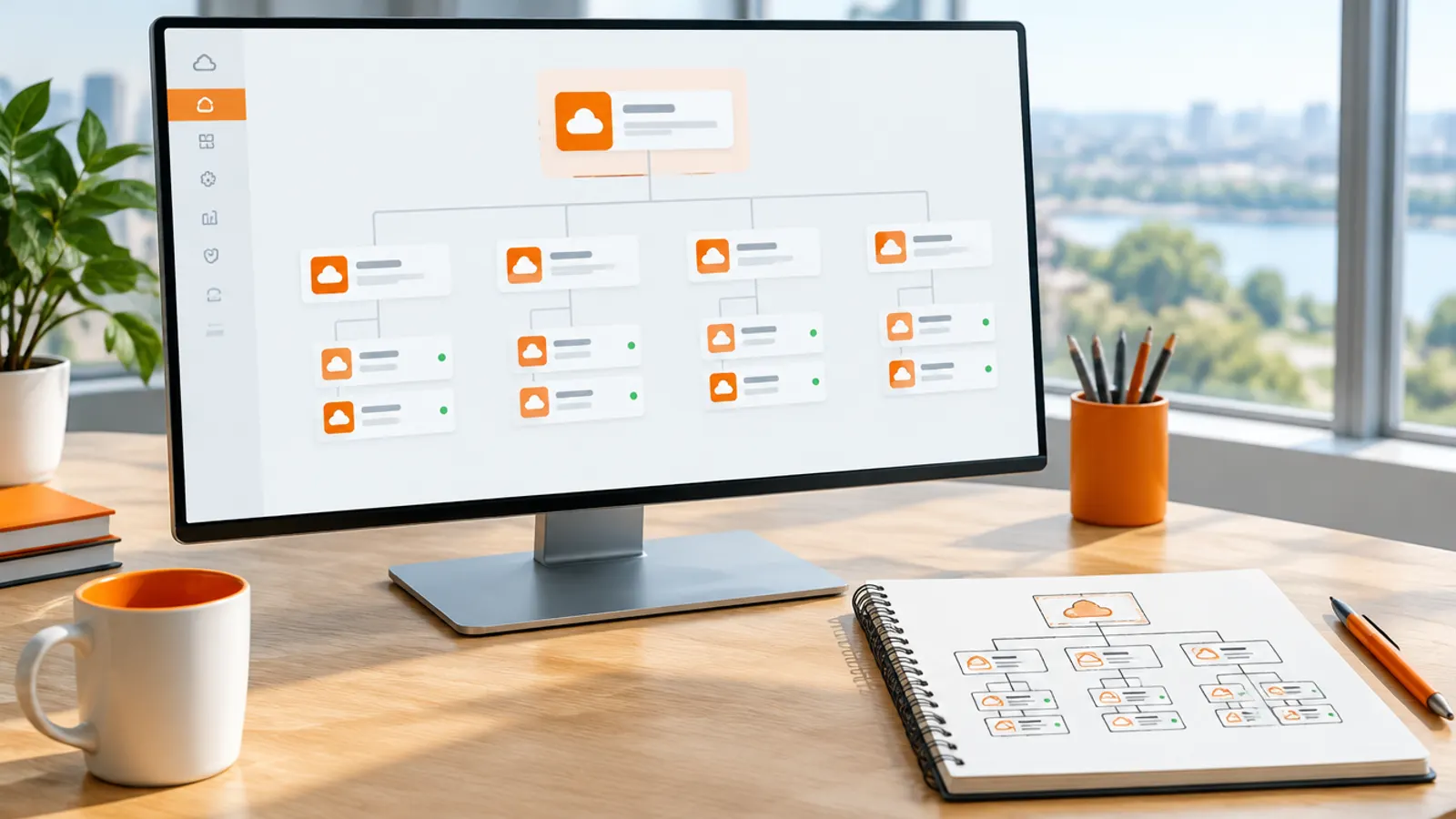
Contents
- How to log in to the SAP BTP cockpit
- Global account vs subaccount: how the cockpit is organised
- How to set up the SAP BTP cockpit, step by step
- Step 1. Log in and open the right global account
- Step 2. Plan directories and subaccount names on paper
- Step 3. Create a subaccount
- Step 4. Assign entitlements
- Step 5. Enable a runtime: Cloud Foundry, Kyma or ABAP environment
- Step 6. Create service instances, bindings and keys
- Step 7. Connect your identity provider and assign role collections
- Step 8. Connect BTP to S/4HANA and other systems
- Step 9. Set up monitoring and alerts
- Step 10. Track usage and cost
- Automation and custom domains
- SAP BTP cockpit trial vs free tier
- Common BTP cockpit errors and fixes
- Where the cockpit fits in an S/4HANA programme
- Frequently asked questions
The SAP BTP Cockpit is the web console where you administer SAP Business Technology Platform: global accounts, subaccounts, entitlements, services, users, runtimes and cost. You log in at https://cockpit.btp.cloud.sap with your SAP user, and it redirects you to the nearest regional cockpit.
Short answer: open cockpit.btp.cloud.sap, pick your global account, then work in this order. Plan directories and subaccounts, assign entitlements, enable a runtime, create service instances, connect your identity provider and assign role collections, then switch on alerts and cost tracking. Trial accounts use https://cockpit.hanatrial.ondemand.com/trial/ and run for up to 90 days.
I spent days working this out the first time. Most of the pain came from doing the later steps before the early ones. The order below is the one I now use on every new global account.
A note on names. At Sapphire in May 2026, SAP announced the SAP Business AI Platform, which brings together BTP, SAP Business Data Cloud and AI Foundation (SAP News). As of October 2026 the administration console is still documented as the SAP BTP cockpit, so that is the name used here.
SAP's documentation gives one entry point: https://cockpit.btp.cloud.sap. It redirects you to the closest regional cockpit (SAP Help, Access the Cockpit). You can also open a regional gateway directly:
https://emea.cockpit.btp.cloud.sapfor Europe, the Middle East and Africa.https://amer.cockpit.btp.cloud.sapfor the Americas.https://apac.cockpit.btp.cloud.sapfor Asia-Pacific.https://eu-access.cockpit.btp.cloud.sapfor EU Access accounts.
The gateway only decides how you reach the cockpit. It does not limit you to subaccounts in that region. Users in China have a dedicated entry point, https://cockpit.cn40.platform.sapcloud.cn.
If your company logs platform users in through its own identity provider, add the idp parameter, for example https://cockpit.btp.cloud.sap?idp=mytenant.accounts.ondemand.com. Without it you land on the default SAP ID service and may see no accounts at all. Accounts on the older feature set A or the Neo environment use a different URL, listed in SAP's documentation.
I show what leaders need to know about the BTP cockpit in this video.
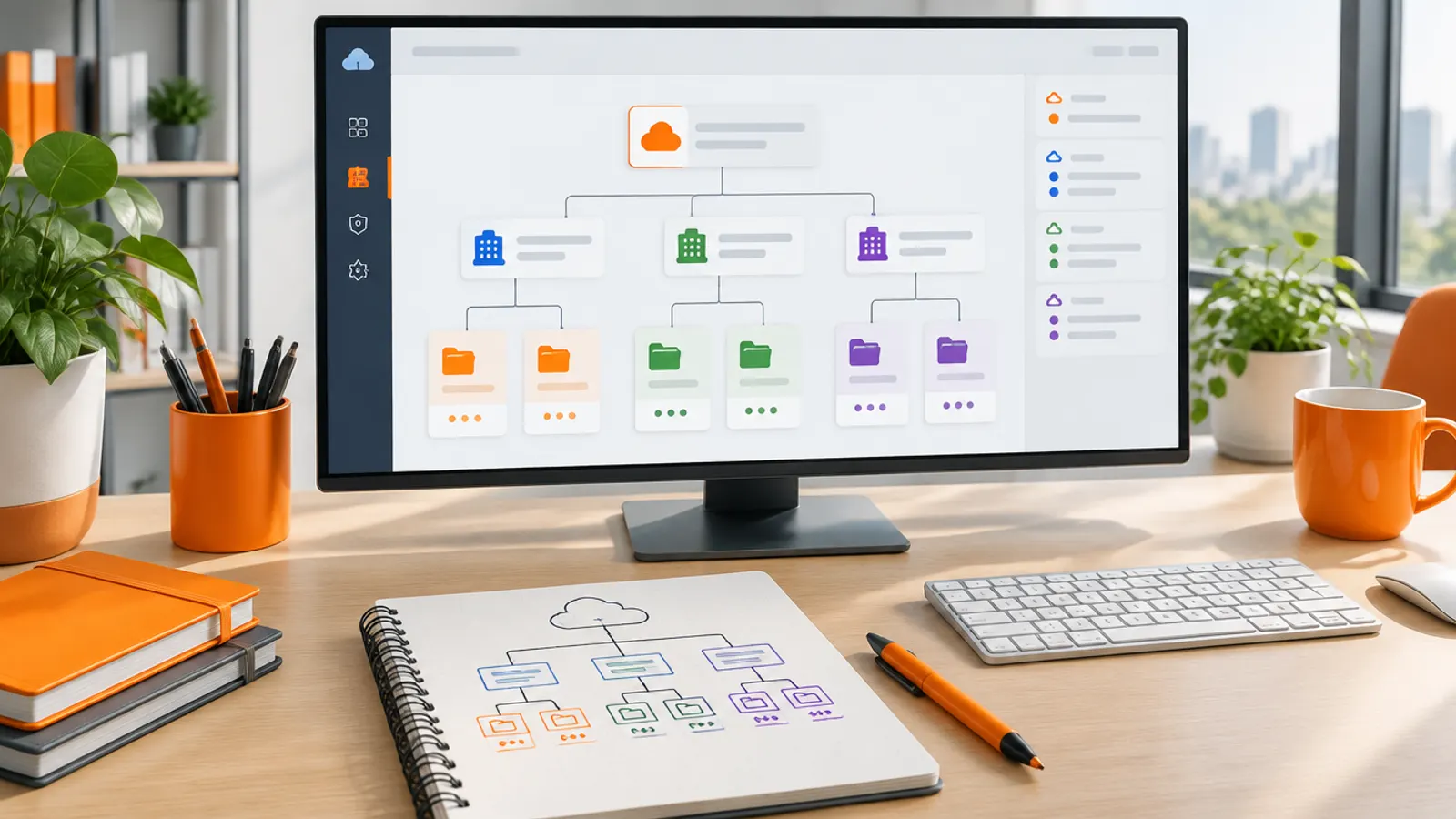
Everything sits in a hierarchy. The global account is the realisation of your contract with SAP. It holds the entitlements and quotas you bought, and it is region- and environment-independent.
Subaccounts are where the work happens. Each one belongs to one region, and inside it you deploy applications, use services and manage members and authorisations. Subaccounts are independent of each other, which matters for security and data separation.
Directories are optional folders between the two. They group subaccounts, for example by business unit, and can hold their own entitlements and authorisations. SAP allows up to five levels of directories between the global account and the lowest subaccount (SAP Help, Account Model).
- Global accountYour contract with SAP and the services you boughtEntitlementsThe finite pool each subaccount draws from
- DirectoryGroups subaccounts, for example by business unit
- Finance-DevDevelopment, on free or small plans
- Finance-TestTest, with its own users and role collections
- Finance-ProdProduction, with alerts set up before go-live
Below the subaccount, each runtime has its own level. Enabling Cloud Foundry creates one org per subaccount, and you create spaces inside it. Enabling Kyma provisions one or more Kubernetes clusters, which you divide into namespaces.
Step 1. Log in and open the right global account
Log in as above and choose your global account. The cockpit shows one global account at a time. If you are not a member of any, the cockpit tells you so; see the errors section below.
Joule is available from the diamond icon in the cockpit toolbar. It can answer BTP questions and carry out administrative tasks, but only those your own authorisations allow.
Step 2. Plan directories and subaccount names on paper
This is where most teams create a mess that follows them for years. I once worked with a client who had 50+ randomly named subaccounts, and nobody could find anything. Untangling that mid-project is painful.
Separate development, test and production per area, for example Finance-Dev, Finance-Test, Finance-Prod. Larger organisations add a directory per business unit. Use labels such as Landscape: Dev or a cost centre, because the Account Explorer can filter on them.
Step 3. Create a subaccount
You need to be a global account administrator, or a directory administrator for directories that manage their own entitlements. Then, per SAP Help, Create a Subaccount:
- Open Account Explorer in the global account.
- Choose Create > Subaccount.
- Enter a display name and, optionally, a description.
- Enter a Subdomain. It becomes part of the URL for subscribed applications and must be unique in the region.
- Choose the region and the parent (the global account or a directory).
- Tick Used for production if it is, and add labels under Advanced.
- Leave Enable beta features off for anything productive. Once switched on, it cannot be switched off.
- Save, then enable environments and add users.
Step 4. Assign entitlements
Entitlements decide which services and plans a subaccount can use, and how much quota it gets. The global account has a finite pool, and you distribute it to directories and subaccounts.
In the subaccount, open Entitlements, choose Configure Entitlements > Add Service Plans, pick the service, plan and quota, then Save. I start minimal and scale up as needed, and that approach has saved my clients thousands in unused services.
Step 5. Enable a runtime: Cloud Foundry, Kyma or ABAP environment
You enable an environment from the subaccount overview with Enable, from the Service Marketplace, or with the btp CLI. A subaccount can run more than one environment. The table compares the three, based on SAP's environment documentation.
| Environment | What it is | Good fit | Watch out for |
|---|---|---|---|
| Cloud Foundry | SAP BTP, Cloud Foundry runtime, based on open-source Cloud Foundry; buildpacks build and run your app | Java, Node.js and Python apps, including SAP Cloud Application Programming Model (CAP) | The mature default for most SAP teams |
| Kyma | SAP BTP, Kyma runtime: a fully managed Kubernetes runtime based on the open-source Kyma project | Containerised microservices, serverless functions and event-driven extensions | Needs Kubernetes skills; the Kyma free plan is available once per global account for up to 30 days |
| ABAP environment | Now named SAP Business AI Platform, ABAP environment; ABAP Cloud on released objects | ABAP developers building extensions next to S/4HANA | Its own system with a dedicated SAP HANA Cloud database, sized and billed separately |
I have seen projects delayed by months because developers had to learn a new environment that matched the architecture plan but not their experience. The technically better runtime that your team cannot build in is the worse choice.
Step 6. Create service instances, bindings and keys
In the subaccount, open Services > Service Marketplace, choose the service tile and select Create. Pick the plan carefully, because SAP's own tutorial warns that the wrong plan creates extra cost (SAP Developers). Everything you create appears under Services > Instances and Subscriptions.
Bind an instance to your application and BTP injects the credentials. For tools that are not BTP applications, create a service key. Name keys for who uses them, such as jenkins-deployment, not key1.
Step 7. Connect your identity provider and assign role collections
If your company already has an identity provider such as Microsoft Entra ID or Okta, do not manage BTP users by hand. Use a SAP Cloud Identity Services tenant as the proxy to it. In the subaccount, go to Security > Trust Configuration and choose Establish Trust, which creates an OpenID Connect trust automatically.
Users are then assigned under Security > Users > Assign Role Collection, or through groups. My approach to role collections:
- Build them around job functions, not individuals.
- Keep them specific enough to mean something, but not so granular that you maintain hundreds.
- Keep one break-glass admin collection for emergencies.
- Review assignments every quarter. People change jobs and keep their old access.
Step 8. Connect BTP to S/4HANA and other systems
Most BTP work is integration. These are the patterns I set up most often.
| Scenario | How to set it up |
|---|---|
| S/4HANA on-premise or Private Edition | Cloud Connector on your network, a destination in the subaccount, then OData or SOAP APIs |
| SAP cloud apps such as SuccessFactors | Destinations plus Integration Suite or Event Mesh, with extensions in CAP |
| Non-SAP systems such as Salesforce or Workday | Integration Suite adapters, or custom integration flows |
| Exposing your own APIs | API Management in Integration Suite: design, publish, monitor |
The Cloud Connector opens an outbound tunnel to BTP, so you do not need inbound firewall rules. Expose only the systems and URL paths BTP actually needs. My SAP CPI article covers integration design in more depth.
Step 9. Set up monitoring and alerts
Set up monitoring before you need it. I check my dashboards every morning with coffee. It has become a ritual, and it has saved me from more than a few "why is the system down?" moments.
The SAP Alert Notification service sends platform and application events to email, Slack and other channels. My usual setup is email for critical apps and a Slack webhook for anything that cannot go down. Watch response times and error rates per application in the Cloud Foundry or Kyma views.
Step 10. Track usage and cost
Two pages matter. Usage Analytics in each subaccount shows actual (not billed) usage, refreshed every 24 hours. Costs and Usage in the global account shows monthly costs by service, directory and subaccount, in the terms used on your balance statement.
On consumption-based contracts you can also set budgets with email alerts at thresholds. A budget does not stop usage when it is exceeded; that is still your job. Delete unused instances every month and check entitlement consumption before every renewal.
The Cockpit stores the what. It never stores the why. Write that part down yourself.
Clicking through the cockpit does not scale. The BTP command-line interface (btp CLI) and the SAP Cloud Management service APIs can script account work: creating subaccounts, assigning entitlements, enabling environments.
On one engagement I needed environments for 12 new developers. Instead of clicking through the cockpit all day, I ran my script and went for coffee. When I got back, everything was ready.
Automating deployments cut setup time by 80 percent on one engagement. Wiring service keys and the CF CLI into a pipeline took deployment from hours to minutes. Custom domains are set up through the SAP Custom Domain service, and on one client project executives noticed the more professional feel straight away.
SAP offers two free ways in, and they are easy to confuse. The trial is for learning; free tier plans sit inside a real enterprise account. The table summarises SAP Help, Trial Accounts and Free Tier.
| Trial account | Free tier service plans | |
|---|---|---|
| Cockpit URL | cockpit.hanatrial.ondemand.com/trial/ | cockpit.btp.cloud.sap |
| Account type | Separate trial global account | Pay-As-You-Go or CPEA enterprise account |
| Duration | Up to 90 days, then deleted | No time limit on free plans; Kyma free plan up to 30 days |
| Production use | Not allowed, nor team development | Allowed; most services can be upgraded to paid plans |
| What you get | A Cloud Foundry subaccount with a dev space; Kyma and ABAP also available | Services tagged Free Tier in the SAP Discovery Center |
The trial runs in intervals of up to 30 days that extend automatically while you keep signing in. If you do not sign in for 30 days, the account is suspended and later deleted. Trial applications also stop every night and need a manual restart.
Each of these has a documented cause and a simple fix.
- "Your user does not belong to any global account." A global account administrator has to add you as a member with a role collection such as Global Account Viewer. If no administrator is available, SAP Note 2669325 describes a workaround through SAP for Me.
- The global account is missing after a corporate login. BTP treats the same email in two identity providers as two users. Log in with the
?idp=parameter for the provider your administrator used. - A service is missing from the Service Marketplace. The subaccount has no entitlement for it. Add the plan under Entitlements first.
- "Subdomain already exists." Subdomains are unique per region. Add the business unit or stage to the name.
- An unexpected charge. An instance was created on a paid plan. Check the plan in Instances and Subscriptions and in Costs and Usage.
- The trial app stopped overnight. That is expected. Restart it, and keep signing in so the trial is not suspended.
For runtime and deployment errors, my BTP Cockpit issues guide goes deeper.
I have led or rescued 21 SAP programmes. In a clean core programme, BTP is where side-by-side extensions run, so S/4HANA stays close to SAP standard. My clean core guide explains where those extensions sit.
The cockpit stores the what, never the why. Write down the account structure, naming rules, entitlement split and the reasons for each. Have a design authority of business and IT approve any change to them.
If your BTP account has grown without a plan, talk to me before you add more to it.
What is the SAP BTP cockpit login URL?
Use https://cockpit.btp.cloud.sap, which redirects you to the nearest regional cockpit. You can also use a regional gateway such as https://emea.cockpit.btp.cloud.sap, https://amer.cockpit.btp.cloud.sap or https://apac.cockpit.btp.cloud.sap. Trial accounts use https://cockpit.hanatrial.ondemand.com/trial/.
What is the difference between a global account and a subaccount in SAP BTP?
The global account is your contract with SAP. It holds the entitlements you bought and is not tied to a region. Subaccounts sit inside it, each in one region, and are where you deploy apps, use services and manage users.
How do I create a subaccount in SAP BTP?
As a global account administrator, open Account Explorer and choose Create > Subaccount. Enter a display name, a subdomain that is unique in the region, the region and the parent. Save, then assign entitlements and enable an environment such as Cloud Foundry.
What are entitlements in SAP BTP?
Entitlements are your right to use a service plan, and quota is how much of it you can use. The global account receives them under your contract, and you distribute them to directories and subaccounts. In a subaccount, choose Entitlements > Configure Entitlements > Add Service Plans.
Is the SAP BTP trial free and how long does it last?
Yes, for up to 90 days. The intervals extend automatically while you keep signing in, and the account is suspended after 30 days without a sign-in. It is for personal learning, not production or team development; for longer use, create an enterprise account with free tier service plans.
Cloud Foundry vs Kyma: which BTP runtime should I choose?
Choose Cloud Foundry for Java, Node.js or Python apps, including CAP; buildpacks handle the containers for you. Choose Kyma, a managed Kubernetes runtime, for containerised microservices and event-driven extensions, but only if your team has Kubernetes skills. ABAP developers building S/4HANA extensions usually belong in the ABAP environment.
Is SAP BTP now called SAP Business AI Platform?
In May 2026 SAP announced the SAP Business AI Platform, which brings together BTP, SAP Business Data Cloud and AI Foundation. SAP's documentation now uses the new name for some parts, such as the ABAP environment. As of October 2026 the administration console is still documented as the SAP BTP cockpit, at the same URL.
How do I connect my identity provider to the SAP BTP cockpit?
Set up a SAP Cloud Identity Services tenant and connect your corporate identity provider, such as Microsoft Entra ID or Okta, to it. In the subaccount, go to Security > Trust Configuration and choose Establish Trust to create an OpenID Connect trust. Then assign role collections to users or groups.

Written by
Noel D'Costa
SAP BTP Cockpit issues: five problems and how to fix them
Five SAP BTP Cockpit problems come up again and again: 401 token errors, Integration Suite errors, dead links, CAP destination failures and trial apps that stop overnight. Here is what to check first for each.
SAP CPI: what it is, its architecture and the PI/PO move
SAP CPI is the Cloud Integration capability of SAP Integration Suite, SAP's cloud middleware on SAP BTP. Here is how its architecture works, how it compares with PI/PO before mainstream maintenance ends in 2027, and how to plan the move.

SAP clean core: what it means, levels A to D and governance
What SAP clean core means for S/4HANA, how the A to D levels work, who should own the decisions and how to measure clean core compliance.
SAP Integration Suite: decisions and production trade-offs
SAP Integration Suite is not just a renamed CPI, and the decisions teams get wrong are rarely about technology. This guide covers the components, PI/PO migration, legacy limits, testing and the ownership gaps behind most interface failures.
Next step
Running an ERP programme right now?
If this article touched on a programme you are live in right now, a 30-minute conversation usually gets further than another week of internal analysis.