 Noel D'Costa
Contents
- Getting SAP data to Snowflake
- SAP Business Data Cloud and zero-copy sharing
- SAP Datasphere replication flows
- The ODP note: read it before you buy a connector
- Oracle: E-Business Suite and Fusion are different problems
- Microsoft Dynamics 365: the deadline is real
- Options at a glance
- The data-model problems nobody prices in
- A sequence that works
- What manufacturing teams usually want first
- Where to start this week
- Frequently asked questions
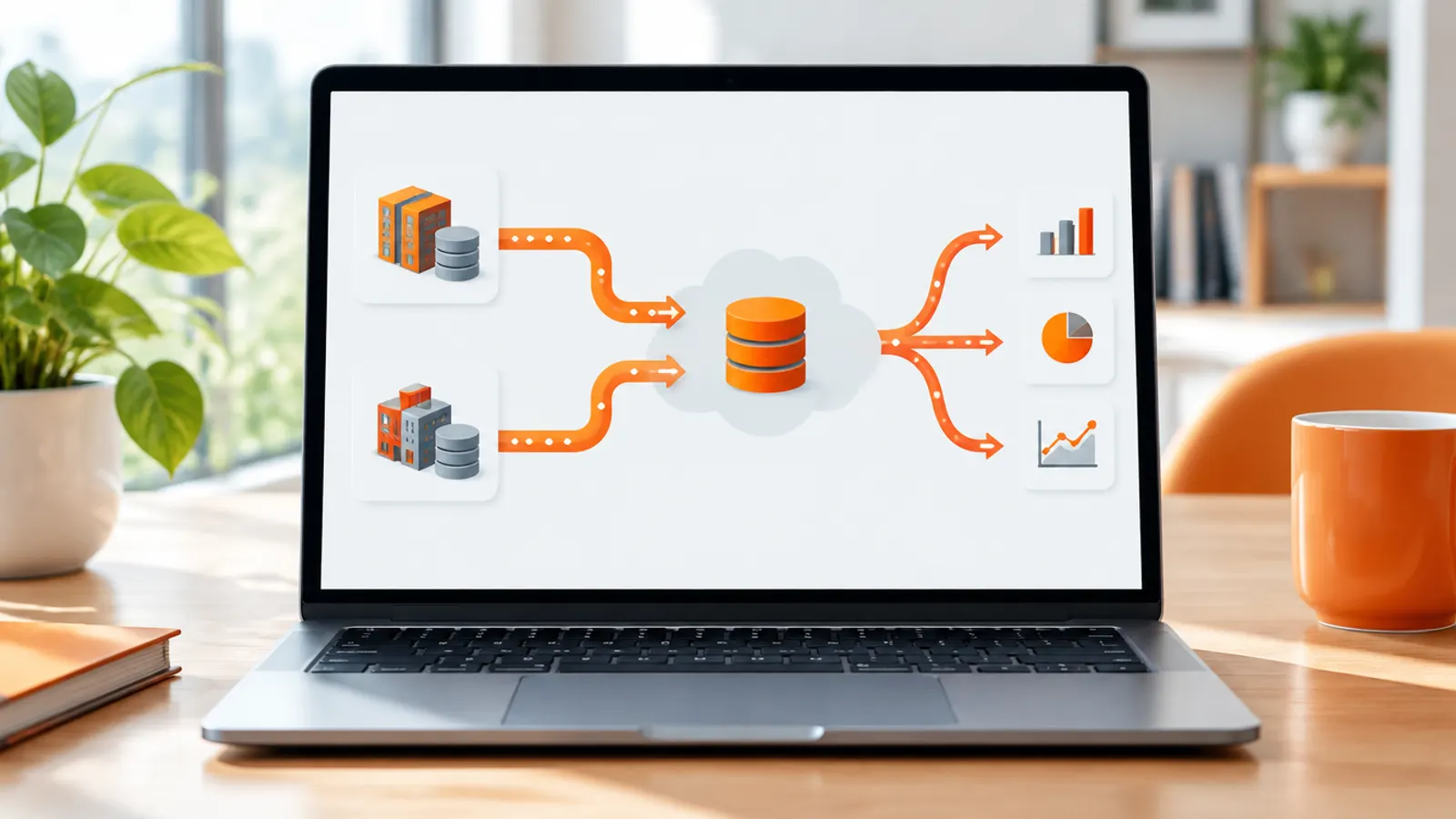
There are three realistic ways to get SAP data to Snowflake in 2026. SAP Business Data Cloud with zero-copy sharing, SAP Datasphere replication into cloud storage that Snowflake loads, or a third-party tool using an interface SAP permits. Oracle and Microsoft Dynamics 365 look simpler, but each has a catch.
Oracle Fusion Cloud ERP gives you no database to replicate from. Dynamics 365 finance and operations is weeks away from losing Export to Azure Data Lake.
The extraction tool is the smaller decision. In the manufacturing and defence programmes I've worked on, the time goes on what happens after the data lands. Decoding ERP tables, handling deletes, aligning currencies and units, rebuilding the access rules the ERP used to enforce.
For SAP, Oracle and Dynamics 365 data, the route I actually used was middleware. My advice is to pick middleware that can cater to a bigger stack, meaning more source systems than the one in front of you, not a single-purpose connector. Whichever product you choose, check the interface it uses for SAP against the note below.
SAP Business Data Cloud and zero-copy sharing
SAP and Snowflake announced general availability of two joint offerings at SAP Sapphire in May 2026. Snowflake's release note for the connector is dated 4 May 2026.
- SAP Snowflake. Snowflake delivered inside SAP Business Data Cloud (BDC) as a certified SAP Solution Extension, sold and supported by SAP and provisioned from SAP for Me. It is aimed at SAP customers with no Snowflake account.
- SAP BDC Connect for Snowflake. For companies that already run Snowflake. You connect an existing account using an invitation link from SAP for Me.
In both cases SAP data products are mounted in Snowflake as catalog-linked databases, without copying the data. You can query and join them, generate semantic views from SAP's metadata for Cortex Analyst, and publish Snowflake data back to BDC.
Snowflake's SAP zero-copy integration documentation lists AWS, Azure and GCP commercial regions and excludes government regions. For defence work, that exclusion alone can rule it out.
The catch is scope. Zero-copy shares BDC data products, so you need a BDC subscription and you get what SAP has packaged. Before planning around it, map your reporting needs against the data products available for your release.
Check your custom fields and Z tables in particular. Where they are not covered, you need custom data products or a second route.
SAP Datasphere replication flows
SAP Datasphere replication flows move data from S/4HANA, ECC and BW to non-SAP targets through what SAP calls premium outbound integration. It has to be enabled and sized in the tenant. Snowflake is not a replication flow target in SAP's connection matrix.
The usual pattern is to replicate into cloud object storage (Amazon S3, Azure Data Lake Storage Gen2 or Google Cloud Storage) and load from there into Snowflake. You pay for Datasphere capacity and run two hops.
The ODP note: read it before you buy a connector
SAP Note 3255746, "Unpermitted usage of ODP Data Replication APIs", was first published in October 2022. The February 2024 revision covers the RFC modules of the Operational Data Provisioning (ODP) Data Replication API. It states that using them from customer or third-party applications to access SAP ABAP sources, on-premise or Cloud Private Edition, is not permitted by SAP.
A July 2024 update points customers to SAP Datasphere for replicating SAP data into third-party tools. The note was revised again in April 2026.
In June 2026 SAP also published a vulnerability record, CVE-2026-44754, for missing caller identification in these same APIs. My reading is that the restriction is moving from paper to technical enforcement. The note sits behind an SAP login, so read the current version yourself rather than relying on a vendor summary.
Many third-party SAP connectors were built on ODP over RFC. Ask every vendor which SAP interface their connector uses, and if it is ODP over RFC, get their position on the note in writing.
Snowflake Openflow, Snowflake's managed ingestion service, has no SAP connector in its current connector list (checked October 2026). SAP appears only under the zero-copy connectors.
Oracle E-Business Suite runs on an Oracle database you control, so log-based change data capture (CDC) is available. The Openflow Connector for Oracle became generally available in February 2026. It uses Oracle XStream and supports Oracle Database 11g and later on-premises, on Exadata and on OCI virtual machines or bare metal.
Licensing needs care. You either take an embedded XStream licence billed through Snowflake, with a 36-month commitment, or bring your own Oracle licence with XStream entitlements, such as GoldenGate. Snowflake's documentation flags that Oracle requires Enterprise Edition for XStream.
Each replicated table needs a primary key, a unique constraint or index, or a declared logical key, and TRUNCATE is not replicated. Check key coverage on the EBS tables you need before you commit.
Oracle GoldenGate is the other established route. Snowflake is a documented GoldenGate target, using either stage-and-merge micro-batches or Snowpipe Streaming.
Oracle Fusion Cloud ERP is SaaS. The Openflow Oracle connector explicitly does not support Fusion Cloud Applications. The standard extraction route is the Business Intelligence Cloud Connector (BICC).
It writes compressed CSV files with a manifest to OCI Object Storage or Oracle's content server, as scheduled full or incremental extracts. You then move those files into Snowflake. BICC can also extract primary keys on their own, which is how you detect deletes.
Oracle's GoldenGate FAQ says GoldenGate can capture from Fusion SaaS applications running in OCI. If that matters to you, ask Oracle what it means for your tenancy and licence.
For Dynamics 365 Finance and Operations, Microsoft retired Export to Azure Data Lake on 1 November 2024. It stops permanently on 30 November 2026, with no extensions. If any Snowflake pipeline still depends on it, that is your first job this quarter.
The replacements are Azure Synapse Link for Dataverse and Fabric link. Microsoft recommends Fabric link for most customers, but it lands data in Microsoft Fabric. For a Snowflake target, Synapse Link is the practical option.
It writes finance and operations tables to your own storage account in Delta Parquet format, with deleted rows kept and flagged in an isDelete field. Snowflake can read Delta files in object storage as read-only Iceberg tables, generally available since April 2025, or you can load them.
For Dataverse-based apps such as Dynamics 365 Sales and Customer Service, the Openflow Connector for Microsoft Dataverse is generally available. It soft-deletes rows with a flag column.
Its change tokens expire after seven days of inactivity, which forces a full resync, so do not let a schedule lapse. The documentation does not mention Finance and Operations, so treat it as the customer engagement route unless you have tested otherwise.
The routes I would shortlist for each ERP, as of October 2026:
| ERP | Realistic options | Notes |
|---|---|---|
| SAP S/4HANA, ECC | SAP BDC with SAP Snowflake or BDC Connect for Snowflake; Datasphere replication flows via object storage; third-party tools | Zero-copy covers BDC data products only. SAP Note 3255746 restricts ODP over RFC. No Openflow SAP connector |
| Oracle E-Business Suite | Openflow Connector for Oracle; Oracle GoldenGate; third-party CDC | XStream licensing and Enterprise Edition. Key required per table. TRUNCATE not replicated |
| Oracle Fusion Cloud ERP | BICC extracts to object storage, then load; GoldenGate (check with Oracle) | No direct database access. Openflow Oracle connector does not support Fusion |
| Dynamics 365 Finance and Operations | Azure Synapse Link for Dataverse to your storage, then Iceberg tables or load; Fabric link | Export to Azure Data Lake stops 30 November 2026. Deletes arrive as flagged rows |
| Dynamics 365 Sales, Customer Service | Openflow Connector for Microsoft Dataverse | Soft deletes. Seven-day token expiry forces resync |
The connector is the easy part. Rebuilding what the ERP knew about the data is the project.
Every ERP pipeline I've seen hits the same problems, whatever the extraction route. This is where the budget goes.
- Table complexity. ERP tables were designed for transactions, not analysis. In SAP S/4HANA the universal journal (
ACDOCA) and material documents (MATDOC) replaced many ECC tables, so ECC logic does not port across. EBS has multi-org structures; Dynamics has entities that do not match its tables one to one. Budget for people who know the source system. - Change capture and deletes. Each route signals deletes differently: flag columns, key-only extracts, or nothing at all. TRUNCATE and archiving runs can silently diverge Snowflake from the ERP. Reconcile record counts and balances on a schedule, not once.
- Currency and units. ERP amounts sit in document, local and group currencies, with exchange rate types and posting dates. Quantities carry units of measure with material-specific conversions. Rebuilding these in SQL is where finance stops trusting the numbers.
- Master data. Materials, customers, suppliers and plants differ across ERPs and entities. If you run two ERPs, mapping master data is a project in its own right. My piece on why SAP data migration fails covers the same root causes.
- Authorisations do not come with the data. The ERP enforced company code, plant and profit centre restrictions. Snowflake knows none of that. You must rebuild row-level and column-level security, and in defence, the separation of controlled data, before anyone outside the core team gets access.
- Fix the target questions first. Pick five to ten business questions and the reports that answer them. That decides which tables you need.
- Inventory the sources. ERP versions, deployment, database edition, custom fields, and every existing extract that downstream systems depend on.
- Settle licensing before tooling. BDC subscription, Datasphere capacity, XStream entitlements, the ODP note position of any vendor. Get answers in writing.
- Choose the route per ERP, using the table above. Mixed routes are normal.
- Build a raw layer that mirrors the source, with load timestamps and delete flags kept.
- Build conformed models on top: currency and unit conversion, master data mapping, fiscal calendars.
- Rebuild security with row access and masking policies before opening access.
- Reconcile against the ERP and automate the check. The one that must pass before finance trusts the model is the trial balance reconciling to the ERP. Stock values are worth checking the same way.
- Hand over operations: monitoring, schema-change handling and a named owner per pipeline.
For cost planning, the Snowflake pricing and credits guide in this series explains what continuous replication does to your bill.
The first manufacturing requests are predictable, and they test the data model.
- Inventory. Stock by plant, ageing and slow movers. It exposes unit-of-measure and valuation problems early.
- On-time in-full (OTIF). Needs sales orders, deliveries and confirmed dates lined up, which tests your change capture.
- Product cost. Standard against actual cost and variances. It needs finance and production data reconciled.
- Quality. Inspection results, defects and non-conformances, often joined to machine or historian data outside the ERP.
I'd start with inventory. It touches master data, units and valuation in one go, and plant managers can check it against what is physically on the shelf. If you are still choosing the ERP itself, my guide to the best ERP for manufacturing covers the selection side.
Comparing platforms first? See Snowflake vs Databricks.
List every extract that leaves your ERP today, the interface it uses and who depends on it. That one list shows your exposure to the ODP note, the Dynamics deadline and any Fusion extract gaps. If you want a second opinion on the route or the data model, I help organisations with these decisions; you can book a call with me.
How do I get SAP data into Snowflake?
The SAP-supported options are SAP Business Data Cloud with SAP Snowflake or BDC Connect for Snowflake, which share SAP data products without copying. The other is SAP Datasphere replication flows into cloud object storage that Snowflake then loads. Third-party tools are also available, but check which SAP interface they use against SAP Note 3255746.
Is SAP Snowflake generally available?
Yes. SAP Snowflake and SAP BDC Connect for Snowflake were announced as generally available at SAP Sapphire in May 2026. Snowflake's documentation excludes government regions, which matters for defence and public sector.
Can third-party tools still use ODP to extract SAP data?
SAP Note 3255746 states that customer or third-party use of the ODP Data Replication API's RFC modules is not permitted. SAP points customers to Datasphere instead. Ask each vendor which interface they use and how they handle the note. Read the current note yourself in the SAP support portal.
How do I move Oracle Fusion Cloud ERP data to Snowflake?
Fusion is SaaS, so database CDC tools do not apply, and Snowflake's Openflow Oracle connector does not support it. The standard route is BICC extracts to object storage, then a load into Snowflake. Extract primary keys separately so you can detect deletes.
What replaces Export to Data Lake for Dynamics 365 Finance and Operations?
Azure Synapse Link for Dataverse or Fabric link. Export to Azure Data Lake stops permanently on 30 November 2026. For a Snowflake target, Synapse Link writes Delta Parquet to your own storage, which Snowflake can read as Iceberg tables or load.

Written by
Noel D'Costa

Snowflake architecture explained, and what it is used for
Snowflake is a cloud data platform that keeps storage, compute and coordination in three separate layers. Here is how that architecture works, what companies use it for, and where it is not the right fit.

Unity Catalog in Databricks: governance set up properly
Unity Catalog is the governance layer for everything in Databricks: one place to control access, track lineage and prove who touched what. Here is how it works and how to design it so it still makes sense in year three.

Snowflake Cortex AI and Snowflake Intelligence explained
Snowflake Cortex AI is the set of AI services that run inside your Snowflake account. Here is what each part does, what it costs at list price, where the risks sit and how to run a first pilot in manufacturing or defence.

Snowflake pricing explained: credits, editions and costs
Snowflake bills compute in credits, storage per terabyte and data movement per terabyte. Here is what each costs at list price, where bills grow without anyone noticing, and the controls I put in place before go-live.
Next step
Running an ERP programme right now?
If this article touched on a programme you are live in right now, a 30-minute conversation usually gets further than another week of internal analysis.